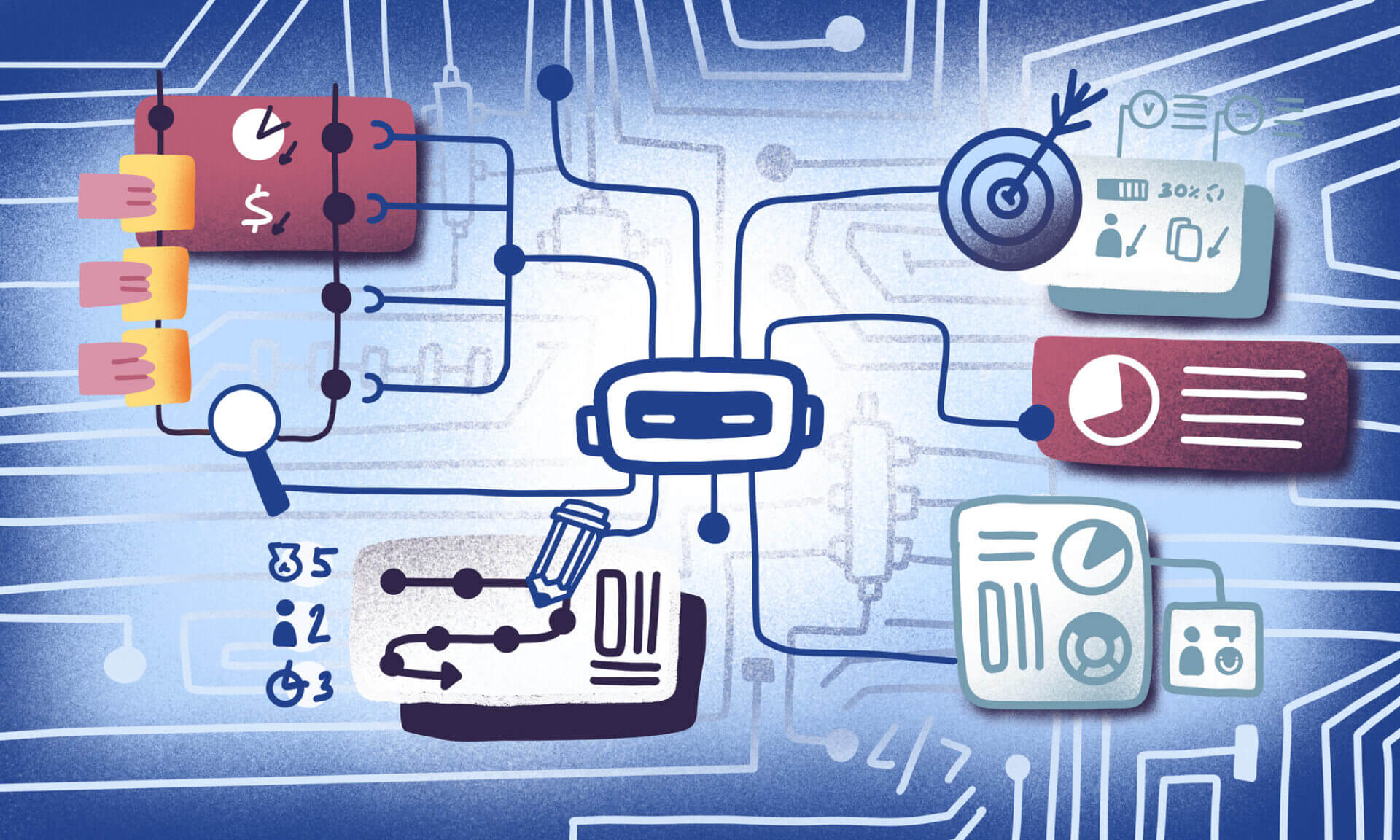
In this article, we will explore the top workflow management platforms that help teams organize tasks, automate processes, and boost productivity. These platforms enhance collaboration, visibility, and execution of work for businesses of all sizes. The right workflow management tool simplifies operations, reduces manual work, and improves project delivery.
—
## Key Points & Best Workflow Management Platforms
### 10 Best Workflow Management Platforms
—
### 1. ClickUp
ClickUp offers a wide range of functionalities as a comprehensive work management software. It integrates tasks, docs, goals, chats, time tracking, automations, and dashboards within unified workspaces.
The Free Forever plan supports unlimited users and tasks, while paid plans include advanced reporting, additional automation, and custom fields. ClickUp provides several views such as List, Board, Gantt, and Calendar, and integrates with Slack, Google Workspace, Teams, and more. Its flexibility makes it ideal for both startups and enterprise-level businesses.
**ClickUp Features:**
– **All-in-One Work OS:** Combines tasks, docs, goals, chats, time tracking, and dashboards in one place.
– **Multiple Views:** List, Board (Kanban), Gantt, Calendar, and Table views for flexible planning.
– **Work Automation:** Pre-installed workflow automations to eliminate unnecessary manual steps.
– **Custom Fields & Templates:** Tailor tasks and processes to specific team needs.
—
### 2. Monday.com
Monday.com offers visual workflows across various operating systems. The platform utilizes color-coded systems from Kanban to timelines and provides automation and third-party integrations.
Pricing plans range from free to enterprise, with features scaling from basic task boards to advanced analytics and SLA guarantees. Monday.com is widely used globally across sales, HR, and project management functions due to its ease of use and extensive template library.
**Monday.com Features:**
– **Enhanced Work OS:** Visual boards with color-coded status and drag-and-drop task management.
– **Custom Workflows:** Chained automations and rules-based workflows.
– **Rich Integrations:** Supports Slack, Teams, Zoom, Google Drive, and more.
– **Prebuilt Templates:** Ready-made boards for marketing, sales, HR, development, and support.
—
### 3. Asana
Asana excels at automating workflows and tracking strategic goals. It supports multiple views, including List, Kanban, Timeline, and Calendar, which help users align daily tasks with larger objectives by automating repetitive activities.
With over 270 integrations, including Slack, Teams, and Drive, Asana facilitates cross-team collaboration. It is one of the highest-rated tools on G2 and Capterra and offers pricing tiers from Free to Enterprise for teams focused on clarity, planning, and reporting.
**Asana Features:**
– **Task & Project Planning:** Assign tasks, subtasks, milestones, timelines, and dependencies.
– **Multiple Views:** List, Board, Timeline (Gantt), and Calendar.
– **Workload & Goals:** Visualize team capacity and tasks linked to key goals.
– **Process Automation:** Automate recurring work and approval workflows.
—
### 4. Wrike
Wrike is designed for complex project environments with multiple concurrent projects. The platform features scalable folder structures, advanced reporting, and project automation from the initial request stage.
Wrike provides specialized services like Wrike Proof for asset markup and approval, and Work Intelligence, which flags at-risk tasks. With robust security compliance (SOC 2-Type II) and comprehensive dashboards, Wrike is ideal for large organizations requiring detailed tracking, budgeting, and resource planning.
**Wrike Features:**
– **Command and Control:** Manage folders, projects, templates, and portfolios.
– **Proofing & Reviews:** In-app markup, annotations, and approval workflows.
– **Reporting & Dashboards:** Customizable real-time analytics.
—
### 5. Smartsheet
Smartsheet is a spreadsheet-integrated project management and workflow automation tool. It enables users to delegate and track tasks using spreadsheet-like grids while providing multiple views including calendar, Gantt, and card views.
The “Sights” dashboard visualizes KPIs and project updates, simplifying budget and operations reporting. Organizations with data-driven workflows and a preference for Excel-like interfaces often choose Smartsheet for its automation capabilities and user-friendly features.
**Smartsheet Features:**
– **Spreadsheet-Style Interface:** Advanced grid view for easy data manipulation.
– **Automated Actions:** Conditional workflows, reminders, and alerts.
– **Dashboards (Sights):** Visual panels for KPIs and project status.
– **Resource Management:** Monitor and manage resource allocation.
—
### 6. Trello
Trello is a popular Kanban tool featuring boards, lists, and cards to streamline workflows. Its clean drag-and-drop user interface is particularly appreciated by small teams and individuals who prefer visual task management.
Users can assign due dates, add color-coded labels, checklists, and attachments. Trello integrates seamlessly with popular software like Google Drive and Slack. The basic version is free and offers quick onboarding, although it lacks some configurability available in enterprise-grade tools.
**Trello Features:**
– **Kanban Boards:** Simple boards with cards and lists to track tasks.
– **Drag-and-Drop UI:** Easy movement of tasks across stages.
– **Power-Ups:** Add calendars, automation, reporting, and integrations.
– **Checklists & Labels:** Visual task categorization and breakdown.
—
### 7. Airtable
Airtable combines a relational database model with a spreadsheet interface, allowing teams to build customized applications without coding. Users can link tables, automate workflows, and create dashboards for everything from content calendars to inventory management.
It offers multiple view types, including grid, calendar, gallery, and Kanban, along with a custom dashboard creator called Interface Designer. Although pricier and with a steeper learning curve, Airtable is excellent for teams needing flexible, structured workflows.
**Airtable Features:**
– **Database + Spreadsheet Hybrid:** Linked tables that function like a database.
– **Multiple Views:** Grid, calendar, gallery, and Kanban.
– **Interface Designer:** Custom dashboard and app creation.
– **Automations & Scripts:** No-code workflow triggers and automation.
—
### 8. Notion
Notion combines documents, wikis, and basic task management into one flexible workspace. Users can create pages, databases, Kanban boards, and calendars to build customized workflows.
It is ideal for managing knowledge, tracking simple projects, and handling OKRs. Notion centralizes documentation, SOPs, and task tracking with linked databases and a drag-and-drop editor. However, it lacks some advanced automation features found in dedicated project management tools.
**Notion Features:**
– **All-in-One Workspace:** Notes, documents, tasks, knowledge base, and databases combined.
– **Linked Databases:** Connect trackers across pages and databases.
– **Templates Library:** Pre-built templates for various uses including documentation and project management.
—
### 9. Hive
Hive offers a comprehensive project management and workflow solution with task tracking, proofing & approvals, goals, time tracking, and forms—all within a single workspace.
It supports multiple views, including Kanban, Gantt, Calendar, and List, and features built-in collaboration tools like chat and file sharing. Hive integrates automation and AI; its AI assistant “Buzz” helps plan and create tasks, making it suitable for teams of all sizes looking to consolidate workflows and communication.
**Hive Features:**
– **All-in-One Collaboration:** Tasks, chat, proofing, and time tracking in one platform.
– **Multiple Views:** Kanban, Gantt, Calendar, and Table.
– **Built-in Workflows:** Automations and AI task assistance.
– **Proofing & Feedback:** Annotate files and gather structured approvals.
—
### 10. Stacksync
Stacksync specializes in automation and real-time bi-directional synchronization between CRMs (Salesforce, HubSpot), ERPs (NetSuite), and enterprise databases.
Unlike tools focused on specific tasks, Stacksync keeps systems synchronized in real time without custom APIs or coding. Its no-code interface empowers both business and engineering teams to automate processes and triggers across systems, reducing integration burdens while preserving a single source of truth.
**Stacksync Features:**
– **Real-Time Synchronization:** Instant updates across CRMs, ERPs, and databases.
– **No-Code Automations:** Drag-and-drop workflow builder.
– **Multi-System Workflows:** Manage processes without custom API development.
– **Enterprise Integration:** Centralized data flow management.
—
## How We Choose the Best Workflow Management Platforms
When selecting workflow platforms, we focused on:
– **Simple Interface:** Easy navigation, onboarding, and minimal setup time.
– **Key Workflow Features:** Task management, automation, scheduling, and multiple views like Kanban, List, and Gantt.
– **Adaptability and Flexibility:** Customizable workflows, fields, dashboards, and templates.
– **Robotic Process Automation:** Support for automation that reduces manual work.
– **System Integrations:** Seamless connection with Slack, Google Workspace, CRMs, and cloud storage.
– **Business Growth Compatibility:** Suitable for both small teams and large enterprises.
– **Price and Value:** Affordable pricing plans with high feature value.
—
## Conclusion
Effective workflow management platforms empower teams to optimize processes, enhance collaboration, and improve efficiency. The best tools assist in task assignment, process automation, and integrations across industries.
Selecting the right platform depends on team size, workflow complexity, and business goals to ensure improved operations and successful project delivery.
—
Choosing a workflow management platform tailored to your organization’s unique needs will streamline operations and drive productivity. Explore the options above to find the best fit for your team.
https://coinworldstory.com/best-workflow-management-platforms-for-teams-businesses/
Be First to Comment